Link Axis features

Link Axis

One link for your bio that shows what it brings in.

Link Axis puts your links, booking, products and a contact form on one page, then shows you which links bring in leads, bookings and money.

link.axisalign.life

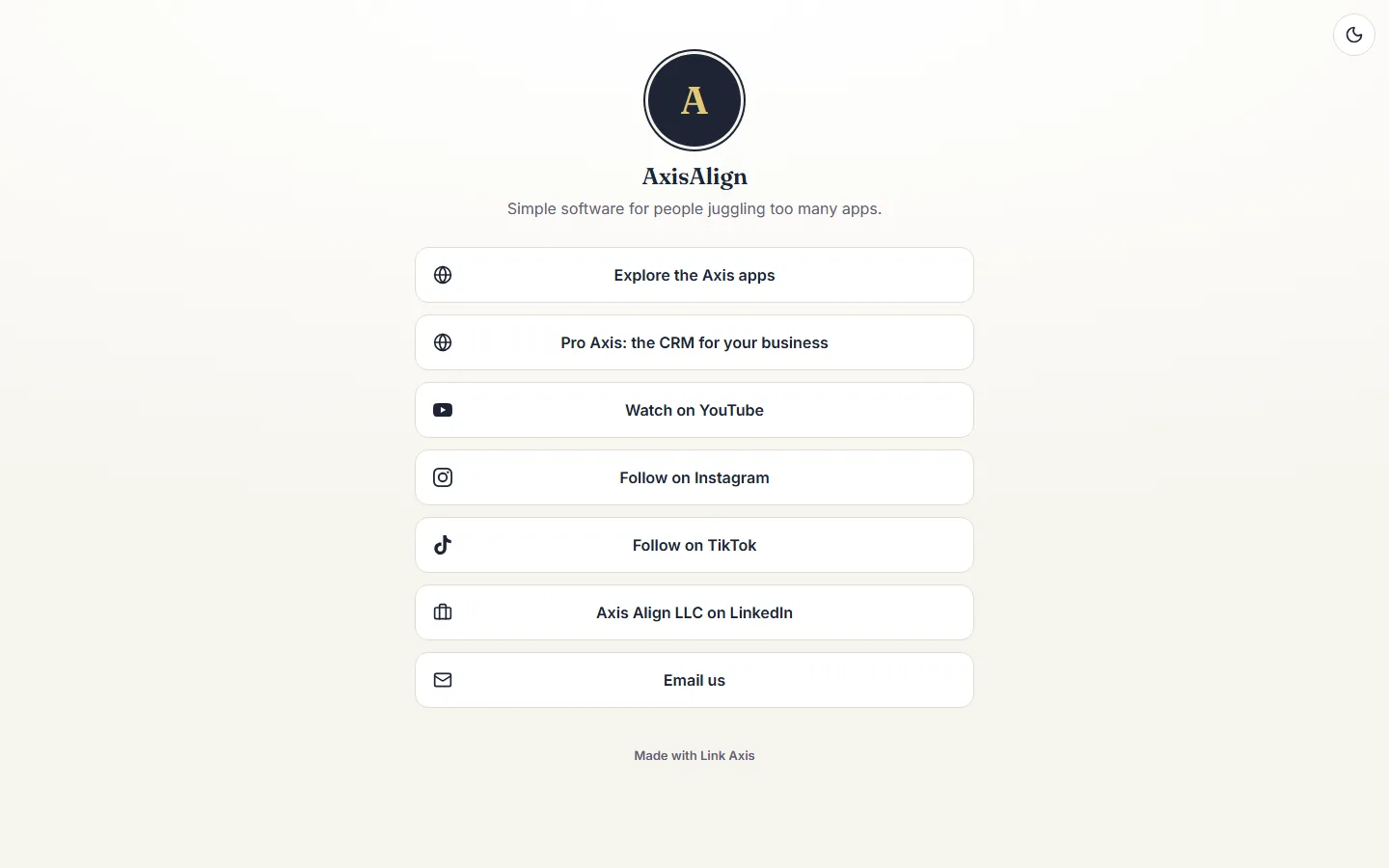
Link Axis page for AxisAlign in the light version, with buttons for the apps, Pro Axis, YouTube, Instagram, TikTok, LinkedIn and email.

How it works

  1. Pick your address.

    Sign in with your AxisAlign account and choose your page address, link.axisalign.life/yourname.

  2. Add your links.

    Add links, socials, your newest video, a booking block or products, or ask Axis to add them for you.

  3. Put it in your bio.

    Paste the address into Instagram, TikTok, YouTube or anywhere else, and see views, clicks and results for each link.

What it does, by job

One page for your links

Your website, socials, videos and more behind one short address.

  • Links with titles, icons and photos
  • Social profiles as a row of icons under your bio
  • Your newest YouTube video, kept current on its own
  • Your website sees which platform each visitor came from

Leads into Pro Axis

A contact form on the page, connected to the business you choose.

  • Name, email and a message
  • Each person lands in Pro Axis as a lead
  • Tagged with where they found you, such as Instagram
  • Someone already in your contacts is matched, not added twice
  • Spam filtered before it reaches you

Results for each link

See what each link brings in, as well as how often it is clicked.

  • Views and clicks by day
  • Visitors by device and country
  • Leads, bookings and money paid per link, from Pro Axis
  • Put the links that earn the most at the top
  • Test two titles on one link and see which one gets more clicks

Book and shop on the page

Bring your Pro Axis booking page and your Shop Axis products onto your link page.

  • Free appointments book right on the page
  • Paid appointments open your booking page to take payment
  • Product cards from your Shop Axis store
  • Buyers check out on your store

Edit by asking Axis

Change your page in plain English.

  • Add a link, rename one or move it up
  • Schedule a link for a date and time
  • Change your page title and bio

Your look, light or dark

Make the page look like you.

  • Three color themes, each with a light and a dark version
  • Choose what visitors see first; they can switch
  • Fonts, button styles and a background image
  • Your photo or logo at the top

Several pages, QR codes and scheduled links

For more than one business, for print and for dates that matter.

  • A page for each business or project on one account
  • A QR code for flyers, cards and packaging, with scans counted apart from taps
  • Links that show and hide on their own for a sale, a launch or an event

What you get

  • One link for your bio
  • A contact form that sends leads to Pro Axis
  • Results for each link
  • Booking and product blocks
  • Axis to edit your page
  • Light and dark versions
  • QR codes and scheduled links

When you are not sure

  • Start with a few links and add more later
  • Ask Axis to set the page up with you
  • Switch the contact form on when you are ready

A good fit

  • Creators and small businesses who share one link in their social bios
  • Service businesses that take bookings in Pro Axis
  • Sellers with a Shop Axis store

Not the right fit

  • People who need the page on their own domain
  • Teams outside the United States

Plans

Link Axis is free to start with an AxisAlign account, and no card is needed.

Compare plans

Questions

Is Link Axis free?

Yes. It is free to start with an AxisAlign account, and no card is needed.

Do I need Pro Axis?

No. Link Axis works on its own. The contact form, the booking block and money per link use Pro Axis, and product cards use Shop Axis.

Can I have more than one page?

Yes. One account can run several pages, for example one for each business.

Can I use my own domain?

Not yet. Your page lives at link.axisalign.life/yourname.

What can I not put on a page?

Scams, phishing, malware, impersonation, illegal goods or services and the other content listed in section 5b of our Terms. We may hide a page or a link to protect visitors.
Create your free page.

Create your free page